Create or choose a workout
Start in Run Builder, add the workout steps, or choose a template you can adjust before syncing.
Good Garmin workouts usually have clear blocks: warm-up, work intervals, recoveries and cool-down.
 Log inBuild a Workout
RunSync help guide
RunSync helps you build a structured running workout once, then send supported sessions to Garmin Connect for use on a compatible watch.
Start in Run Builder, add the workout steps, or choose a template you can adjust before syncing.
Good Garmin workouts usually have clear blocks: warm-up, work intervals, recoveries and cool-down.
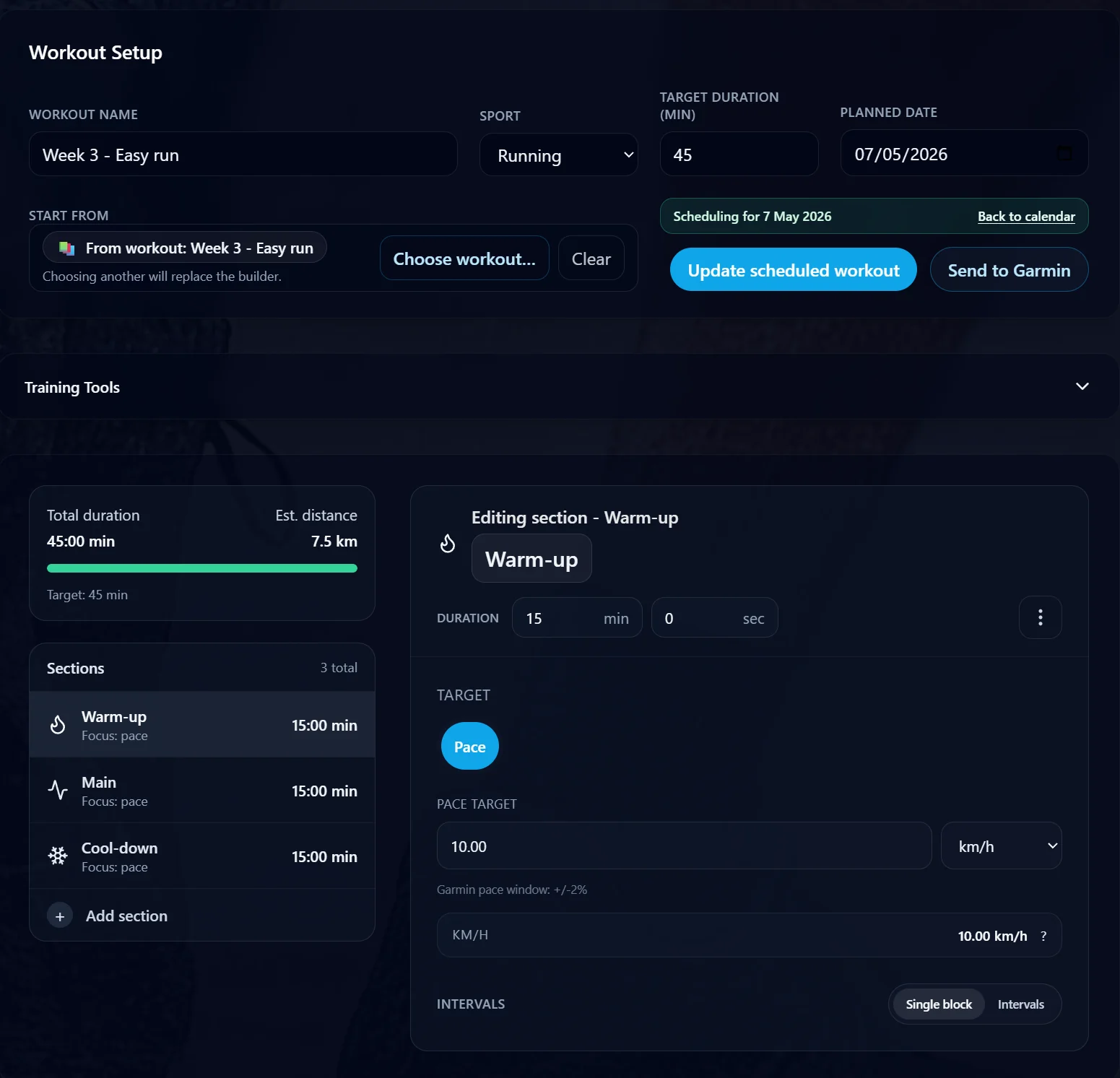
In Run Builder, review the workout and choose Send to Garmin. You must be signed in with Garmin connected and have sync allowance remaining. You do not need to save the workout first. Calendar scheduling and Garmin auto-send require Complete.
Most successful syncs appear shortly after Garmin accepts the workout, but Garmin Connect and watch delivery can take a few minutes.
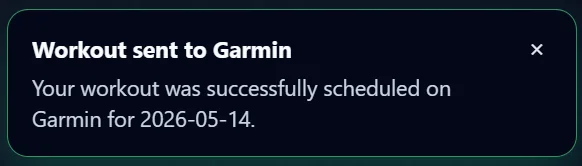
Open Garmin Connect or your watch's workout area and look for the new structured running workout.
Check your exact model and workout type in the Garmin compatibility guide before subscribing.